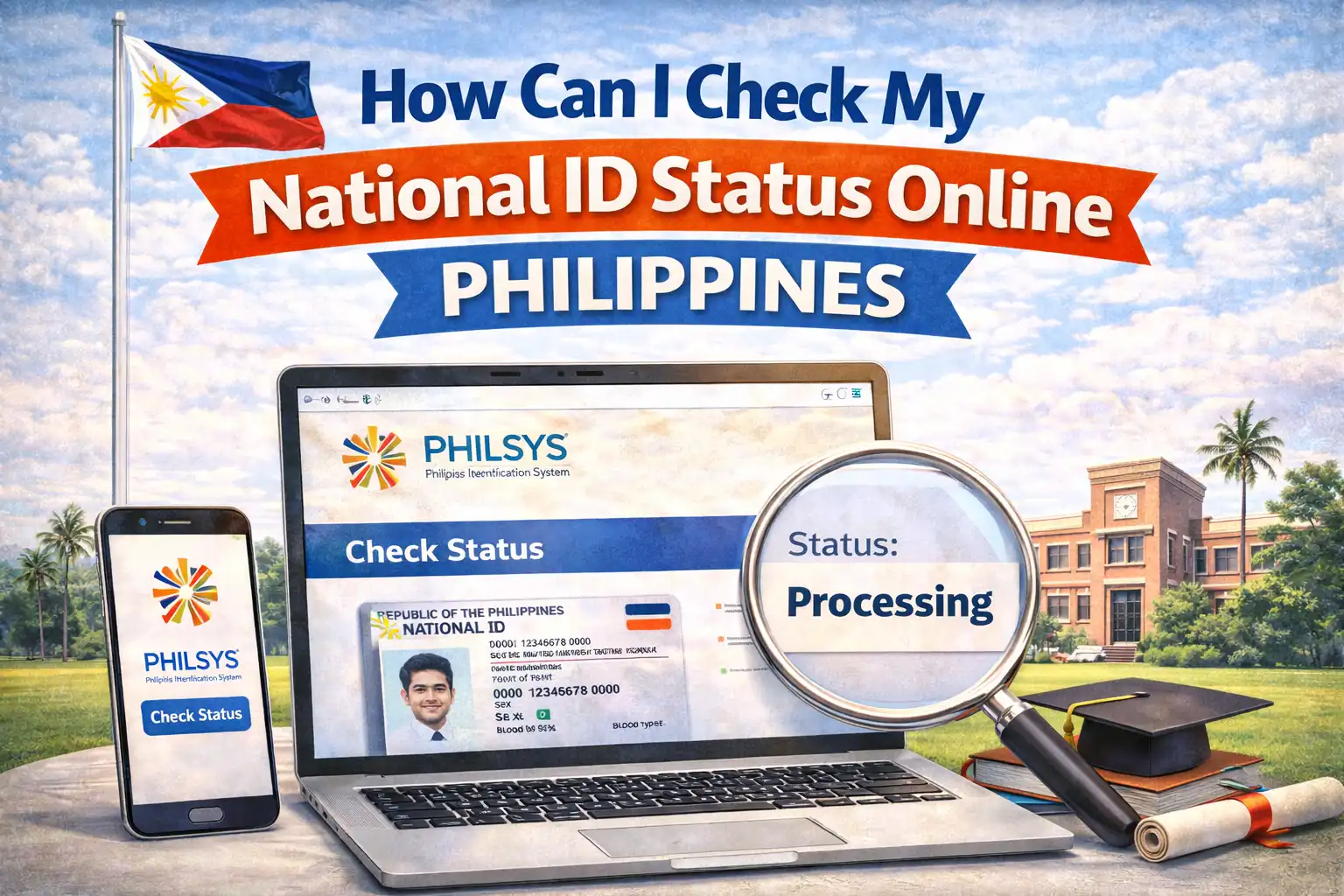
How Can I Check My National Id Status Online Philippines?
Having your Philippine National ID (PhilSys) isn’t just a convenience, it’s a necessity. From opening bank accounts to accessing government services, travel requirements, and employment verification, your National ID streamlines processes that once took days of paperwork. Yet many Filipinos still struggle to track the progress of their application after enrollment. The frustration of waiting weeks without updates isn’t just inconvenient, it can delay critical appointments, financial access, and legal procedures.
What You Need Before You Check National ID Status Online
Before logging into any tracking portal, make sure you have these items at hand. Missing one may delay access or lead to incorrect results:
Your PhilSys Reference Number, issued when you submitted your application.
Your Full Name as written on your application.
Your Date of Birth and Contact Details entered during PhilSys registration.
Access to the official PhilSys online portal (no third‑party sites).
These identifiers are your keys to accessing the secure status page. If you enrolled through an assisted station (e.g., community center or event enrollment), your reference number would’ve been provided in a receipt or confirmation message.
hecking National ID Status Online Philippines
Here’s the most reliable method to check your National ID status online as of 2026:
Open the Official PhilSys Portal:
Use your browser to go to the official government portal designated for National ID status tracking.Locate the Status Checker Tool:
On the homepage, find the section labeled “Check National ID Status” or “PhilSys Enrollment Inquiry.”Enter Your Reference Details:
Input your PhilSys Reference Number exactly as provided. Then enter your full name, birthdate, and other required details.Complete CAPTCHA / Security Check:
To protect your information, PhilSys systems use CAPTCHA or similar verification.Submit & View Status:
Click Submit. The portal will display your current status, such as Pending Verification, Biometrics Completed, ID Printed, or Ready for Delivery/Pickup.Download or Print Your Status Page (Optional):
For documentation, especially if you have appointments or need proof of enrollment, you can download Phil ID or print the status page.
This method ensures you’re seeing real, government‑updated information.
What the Different Status Messages Mean
Once you’ve checked your status, you might see one of several messages. Here’s what they mean so you’re never confused or stuck:
Pending Verification:
Your application is received but still under review. This is common within the first few weeks after submission.Biometrics Completed:
Your fingerprints, photo, and other biometric information have been successfully captured. The system now moves to processing.In Process / For Printing:
Your details are cleared and forwarded to print your physical National ID card.Ready for Delivery / Pickup:
Your card is complete and ready. You may receive instructions on how to get it.Delivered / Issued:
The system shows the card has been issued or sent to your postal address.
Understanding these statuses reduces guesswork and helps you plan next steps, such as tracking National ID delivery or scheduling a pickup.
Frequently Asked Questions
Can I check my National ID status without the reference number?
Online tracking generally requires your reference number. If you’ve lost it, visit the enrollment center or contact the official helpline with your valid IDs.
What if the status shows ready but I haven’t received my card?
If your status says Ready for Delivery/Pickup but you haven’t gotten the card, check the instructions provided for pickup. If you were to receive it by mail, confirm your address with officials.
Is there a mobile app to check National ID status?
As of 2026, some official government services may integrate status tracking into mobile platforms, but the official web portal remains the most reliable source.
Does checking my status online cost anything?
No. The National ID status check via the official online portal is free of charge.
Knowing how to check your National ID status online Philippines empowers you to stay ahead of delays, confirms your identity progress instantly, and gives you peace of mind. With the system now fully mature in 2026, online tracking has become the fastest, most reliable way to follow your application from enrollment to issuance.